
Set up city tax
Hosteo calculates city tax per adult per night from the amount you set. The exact amount depends on your commune: ask them.
Updated 14 October 2026
Open the settings
Profile menu → Settings → Company tab → “Operations” panel. Only the owner can change it.
Turn the tax on
Tick “Collect city tax (taxe de séjour)” and enter the Amount per adult per night in your currency.
Save
Click Save settings. The tax is added to new bookings (adults × nights).
Collect it
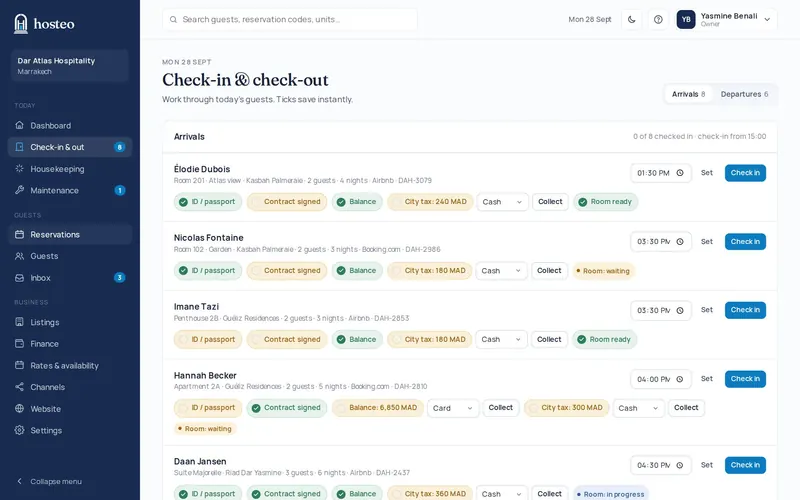
On the Check-in & registration page, the “City tax” tick has a Collect button. You can also record it on the booking: Payment → Record payment → “For”: City tax.
Does this guide not answer your question? Contact support